

SparkPen Kids 3D Pen
- ✓Turn doodles into 3D creations
- ✓Made for young creators
- ✓Fun for the whole family


Product details
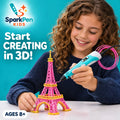
Turn doodles into real 3D creations. SparkPen Kids is a beginner-friendly 3D pen made for kids aged 8+. Draw a line, lift it off the page and watch ideas take shape.
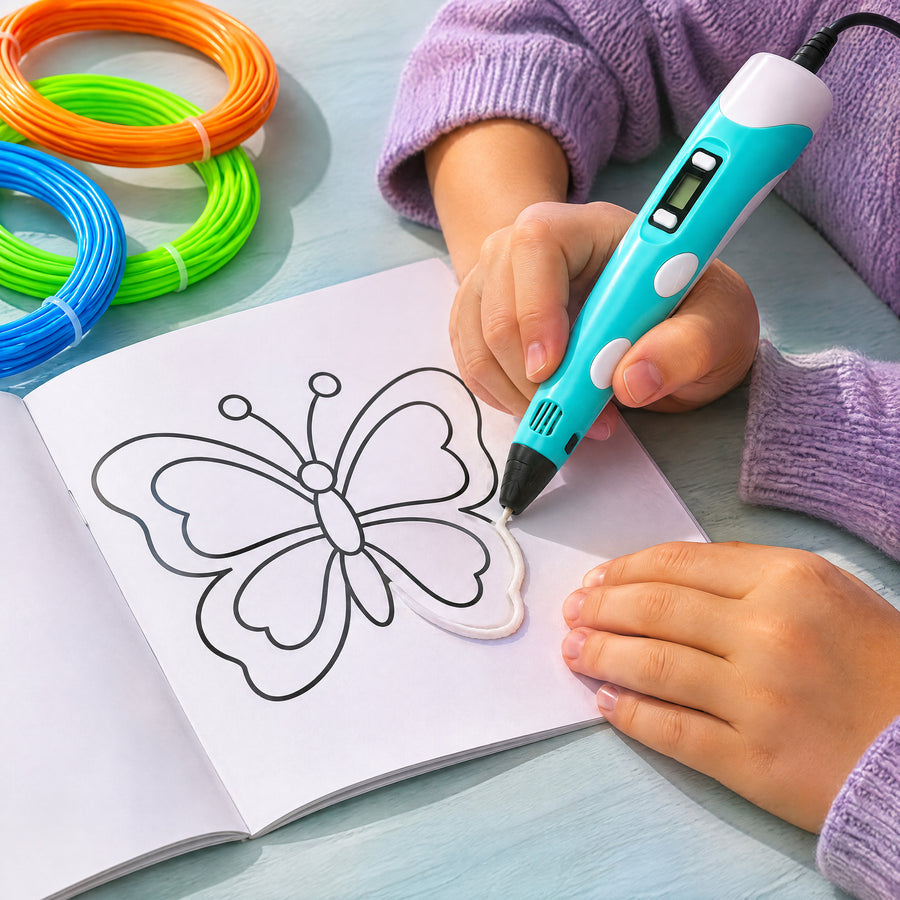
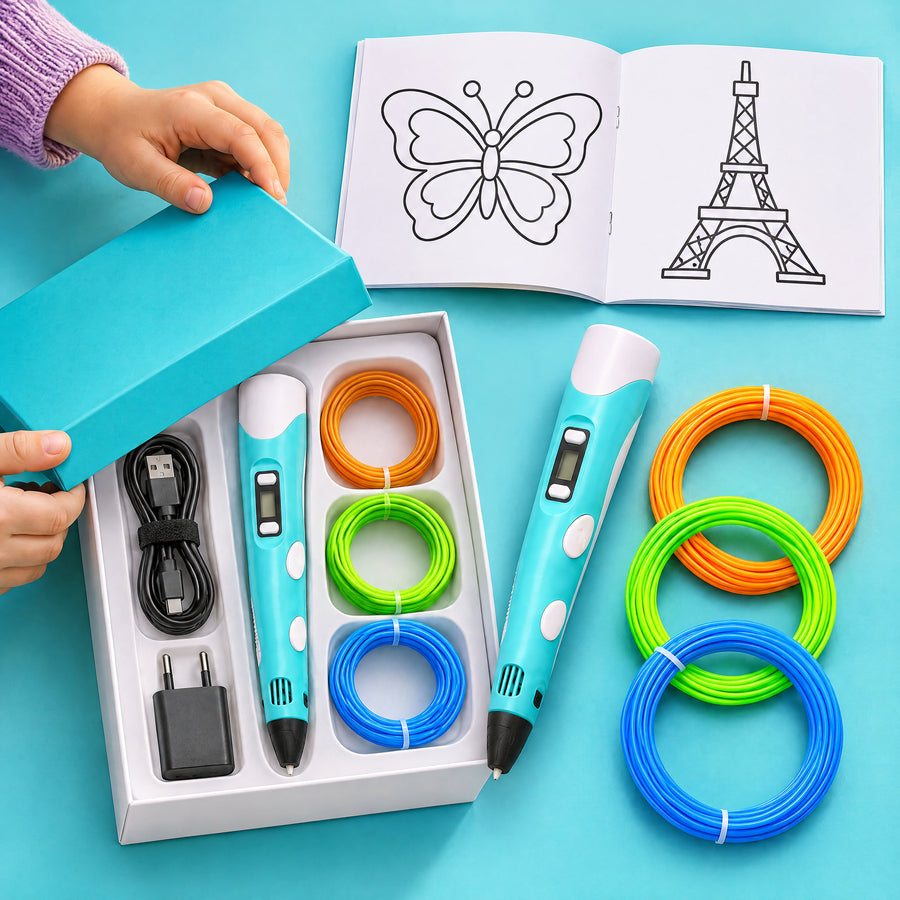
It's hands-on, screen-free creativity: no apps, no software, just imagination and a pen. Follow the stencils to build an Eiffel Tower or a butterfly, then move on to your own designs.
- Beginner friendly: easy to learn, so kids can start creating straight away
- Screen-free fun: no screens or apps needed
- Builds fine motor skills through hands-on making
- LCD display on the pen
- A great gift for young creators
What's in the box
- SparkPen Kids 3D pen
- 3 filament refills: orange, green and blue
- Stencil book (butterfly and Eiffel Tower)
- USB cable
- Plug adapter
Create with confidence: every SparkPen Kids 3D pen comes with a 2-year replacement guarantee.
Shipping
Free shipping to Europe and America. Shipping takes 4–8 working days.
How to use it
SparkPen Kids is simple to get started with. An adult should help with the first set-up, and stay close while the pen is in use — the nozzle gets hot.
- Plug the adapter into a wall outlet and into the socket at the back of the pen. The power light will come on.
- The display will show PLA or ABS. Use the temperature +/− buttons to choose the mode that matches your filament (the starter colours in the box are PLA). Then press the forward button to start heating.
- A red light means the pen is heating up. This takes about 2–3 minutes. When the light turns green, the pen is ready.
- Straighten the end of the filament and feed it into the opening at the back of the pen. Press and hold the forward button, or double-click it for a continuous flow, and gently push the filament in until the pen pulls it through. When plastic starts to come out of the nozzle, you can begin drawing. Click the forward button once to stop a continuous flow.
- Use the speed control for slower, detailed work or a faster flow when filling in a shape. You can fine-tune the temperature with the +/− buttons at any time. To switch between PLA and ABS modes, unplug the pen and plug it back in.
- When you have finished, or if you want to change colour, press and hold the reverse button to retract the filament. Snip the end before loading filament again.
The temperature can be adjusted for PLA (160–210°C) or ABS (200–230°C). Always match the mode to the filament you are using.
Do not touch the nozzle, and keep it away from skin and anything flammable. Unplug the pen when you are finished and let the nozzle cool completely before putting it away. Not suitable for children under 3 years. If you leave the pen unused for a few minutes, it goes into sleep mode — press any button to wake it, and wait for it to heat up again before you draw.
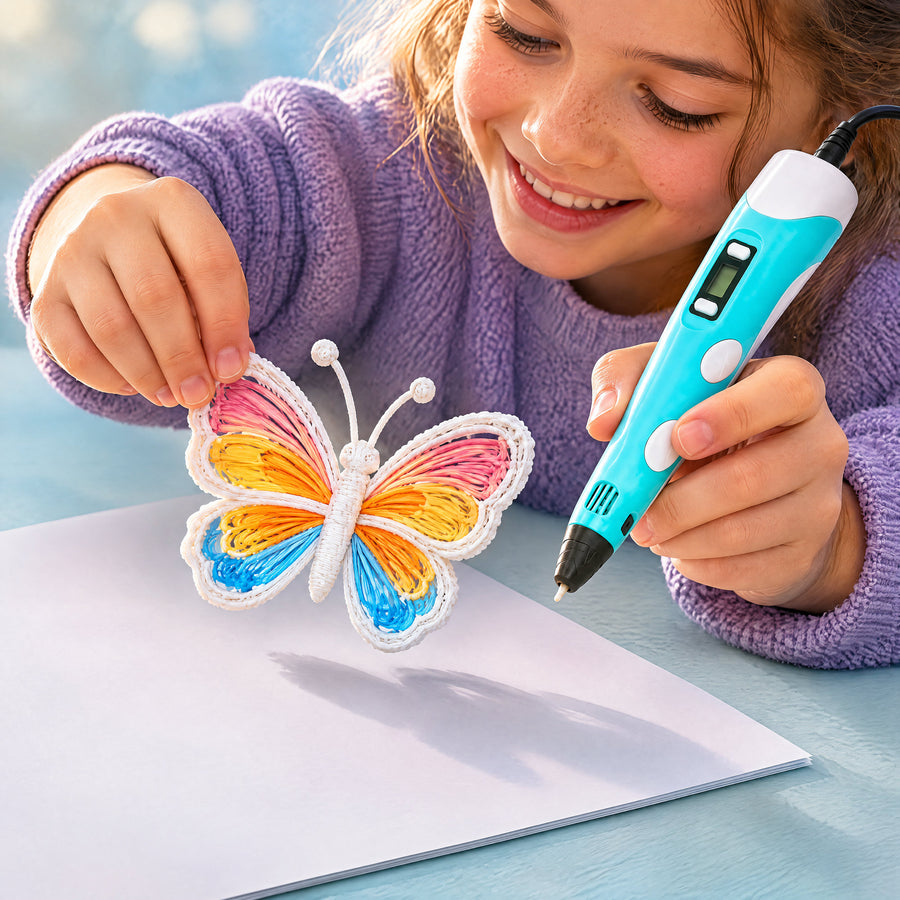
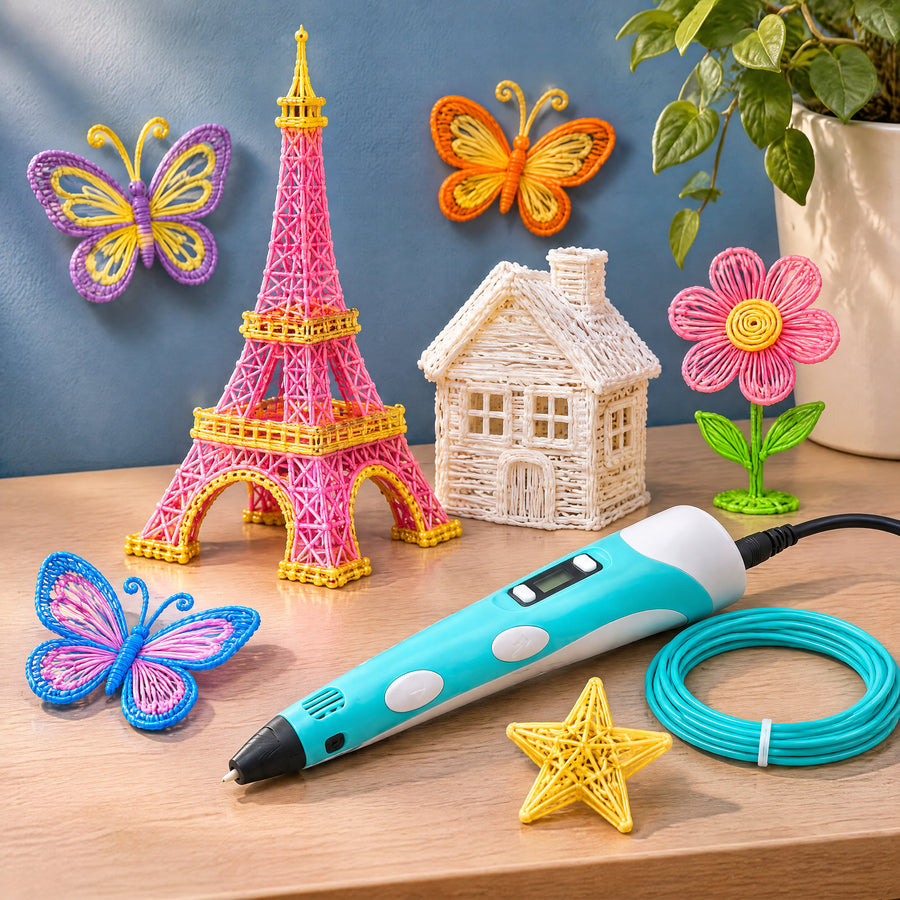
From Doodle to 3D
Sketch a shape, trace it in the air and watch it turn into something you can hold. Add your own product details here.
FAQs
Where do you ship?
We offer free shipping to Europe and America.
How long does shipping take?
Shipping takes 4–8 working days.
What age is it for?
Add the recommended age from your product details here.
What comes in the box?
List what is included with your SparkPen here.
Is it a good gift?
Add your answer in the theme editor.
What should I do if I have a problem?
Contact us through our contact page and we will help.
Why kids love it
Sparks creativity
Turn flat drawings into shapes kids can hold and show off.
Easy to gift
A creative present that keeps young makers busy long after it is unwrapped.
Made for young creators
A kid-friendly design that makes it easy to start creating.